Simulator or Putting Green: Where Should You Practice Short Game?
How to split short-game practice between a simulator and a real putting green so each tool does what it is best at.
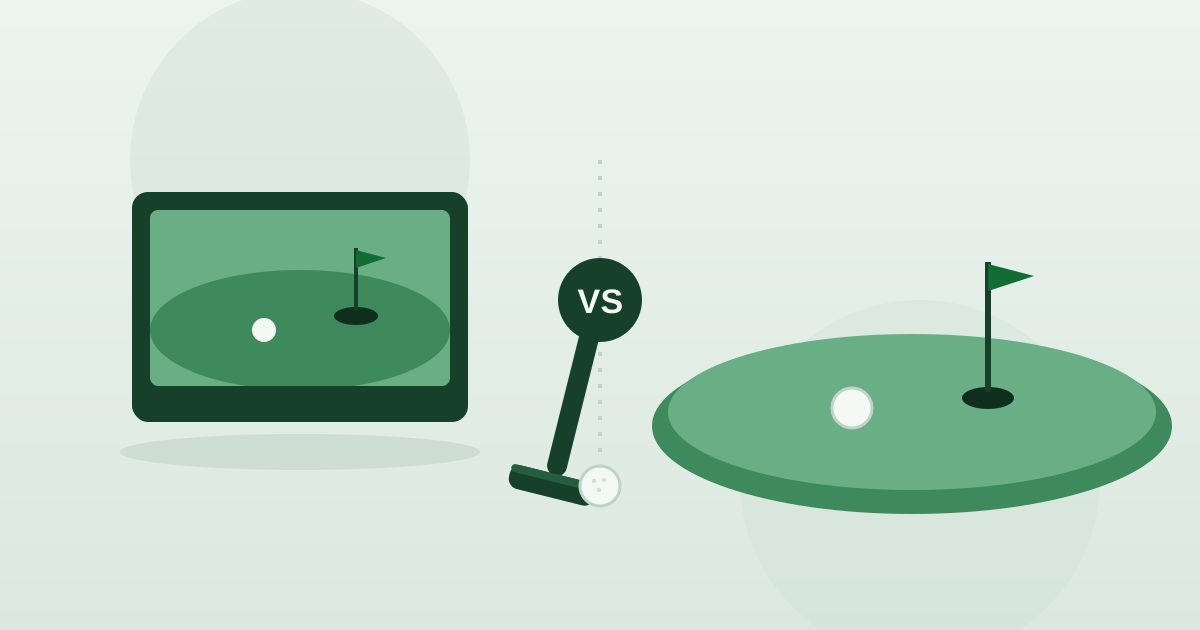
The smart approach to short-game practice is to let a simulator handle distance and contact while a real putting green handles feel and reading break. Each tool has a clear strength: a simulator measures your wedge shots with precision, and a real green gives you the touch and roll that low-speed shots live and die by. Used together, they cover the parts of the short game that win and lose holes, and neither one fully replaces the other.
Treating the two as rivals is the wrong frame. The better question is which skill belongs on which surface, so every minute you spend points at a weakness instead of a comfort zone. This guide breaks the short game into its measurable parts and its feel parts, shows what each setting trains well, and helps you put together a session that moves the parts of your scoring that actually matter when you are standing over a real shot.
- A simulator is unbeatable for wedge distance control, because partial shots still produce measurable speed and spin.
- A real putting green wins on touch, pace and reading break on grass that a screen cannot fully copy.
- Use data like carry distance and spin to lock in your wedge gaps, then take feel work outdoors.
- Chipping sits in between — the simulator confirms contact, the green confirms how the ball reacts.
- The best plan alternates between the two so each skill is trained where it improves fastest.
What does a simulator do best for short game?
Wedge distance control is where a simulator shines. Because partial shots still produce measurable speed and spin, you can pair a swing length with a number and see exactly how far it flies using carry distance and spin rate. That kind of repeatable distance control is one of the quickest paths to lower scores, and it transfers straight to the course. Instead of guessing whether a shot is a half or a three-quarter swing, you build a small, reliable menu of carries you can trust under pressure. The instant feedback after every swing means you can adjust and confirm a change within a single focused session rather than waiting weeks to see if it worked.
What does a real putting green do best?
Touch and green-reading. Putting and the most delicate chips depend on feel and the way the ball actually rolls on grass — things that are hard to reproduce on a screen, as we explain in how simulators handle putting. On a real green you learn how pace changes on a slope, how grain nudges the line, and how a long lag settles near the hole. None of that comes from a number; it comes from rolling many putts and watching what the surface does. If you want to sharpen the part of the short game that decides most holes, time spent reading and rolling on real grass is genuinely hard to beat.
Should I trust simulator numbers on partial wedge shots?
Mostly, yes, with a little judgment. A simulator reads partial wedges well because the ball and club still move fast enough to measure, so carry distance and launch angle on a half swing are genuinely useful. Where you should stay humble is the very softest, lowest-speed shots — a tiny chip or a flop barely registers the same way a full swing does. Treat the screen as excellent for everything from a stock pitch up to a full wedge, and treat the touch shots as something to confirm outdoors. Use the data to set your gaps, then trust your hands for the shots the sensor finds hardest to see.
How should I split a practice session between the two?
Front-load the measurable work, then move to feel. Start in the bay while you are fresh and your focus is sharp, hammering wedge carries until the numbers settle, then finish on the green where fatigue matters less and touch takes over. Splitting a session this way keeps each skill in the setting that trains it best, and it stops you from burning your sharpest concentration on the wrong task. The order matters more than people expect, so build the habit of doing screen work first and grass work second.
- Begin on the simulator with wedge gapping while your attention is sharpest.
- Pick a few target carries and repeat each one until the data is consistent.
- Move to a real green for lag putting, short putts and reading break.
- Finish with a handful of touch chips outdoors to confirm what the screen could not.
Can a simulator help my chipping and pitching?
Yes, especially the pitching end of the spectrum. A pitch carries enough speed and spin for the sensor to read it cleanly, so you can dial in distances the same way you would with full wedges, and many practice modes let you rehearse to specific targets. Chipping is more of a halfway case: the simulator confirms whether you are striking it cleanly and roughly how far it carries, but how the ball checks and releases on real turf is something a green tells you better. Use the bay to groove solid contact and a repeatable landing spot, then take that motion outside to learn the bounce and the roll.
What can a simulator not teach me about putting?
Quite a lot, and it is worth being honest about it. Most simulators model putting rather than measure it the way they measure a driver, so the roll you see on screen is an approximation. The things that decide real putts — reading subtle break, matching pace to a slope, feeling grain underfoot and trusting a stroke on grass — are exactly the things a screen smooths over. That is why even a great bay is not a substitute for time on a real green when putting is your weakness. Lean on the simulator for full-swing and wedge work, and protect your putting practice for surfaces where the ball truly rolls.
How do I build a short-game routine that transfers to the course?
Aim for variety and consequences, not just reps. On the simulator, mix targets instead of hitting the same carry over and over, because the course never gives you the same shot twice — our guide to practice drills has formats that keep you honest. On the green, play games that punish a miss, like trying to two-putt from long range or holing out from short range before you move on. Finishing each session with a small test, where a poor result means starting over, rehearses the focus you actually need over a real shot far better than mindless repetition does.
How do I find a venue with both a bay and a green?
Some venues pair simulator bays with a real putting surface, and many offer short-game coaching that uses the data to guide your feel work. Whether a location has a dedicated green varies by venue, so check the amenities on the specific listing rather than assuming. If you cannot find both under one roof, it is perfectly normal to do your measurable work in a bay and your feel work at a course or a public green nearby. Browse venues near you and read the details to find a setup that covers both halves of the short game.
Ready to put a plan into action? Find a simulator near you, browse venues to check which ones list a putting green or coaching, and split your next session between the screen and the grass so each half of your short game gets trained where it improves fastest.